Kinni features

Everything you need to plan, run, and sync structured training.

Kinni connects workouts, training plans, treadmills, sensors, virtual apps, goals, and session data into one guided running experience.

Kinni training plan marketing image built from actual Kinni app screenshots.

Find the right workout before you start.

Browse Kinni workouts by goal, focus, duration, and training style, then favourite or customise the sessions that fit your week.

  1. 1 Search and filter ready-made workouts quickly.
  2. 2 Use Focus labels to match a session to your training goal.
  3. 3 Favourite useful workouts or customise one into your own plan.
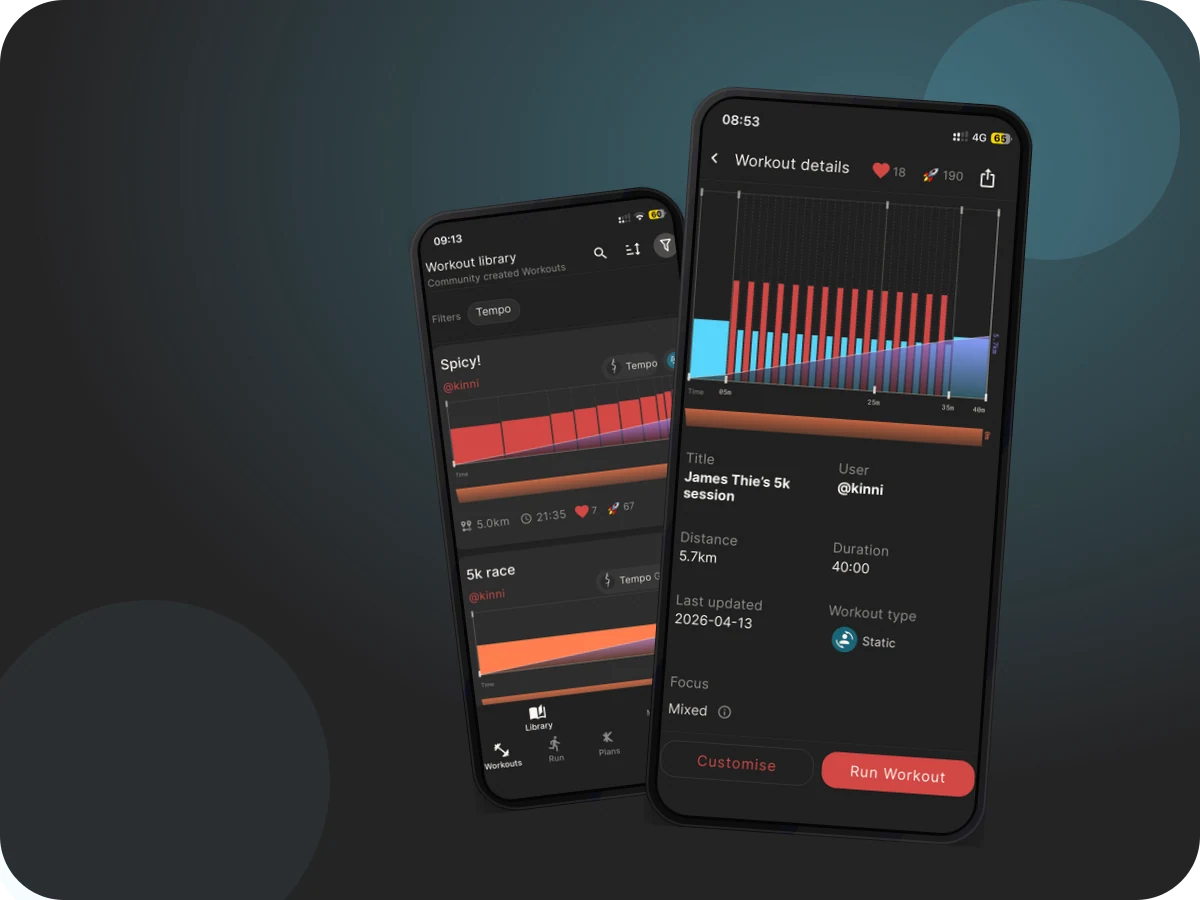
Actual Kinni app screenshots showing the Kinni Workout Library with realistic workout cards.

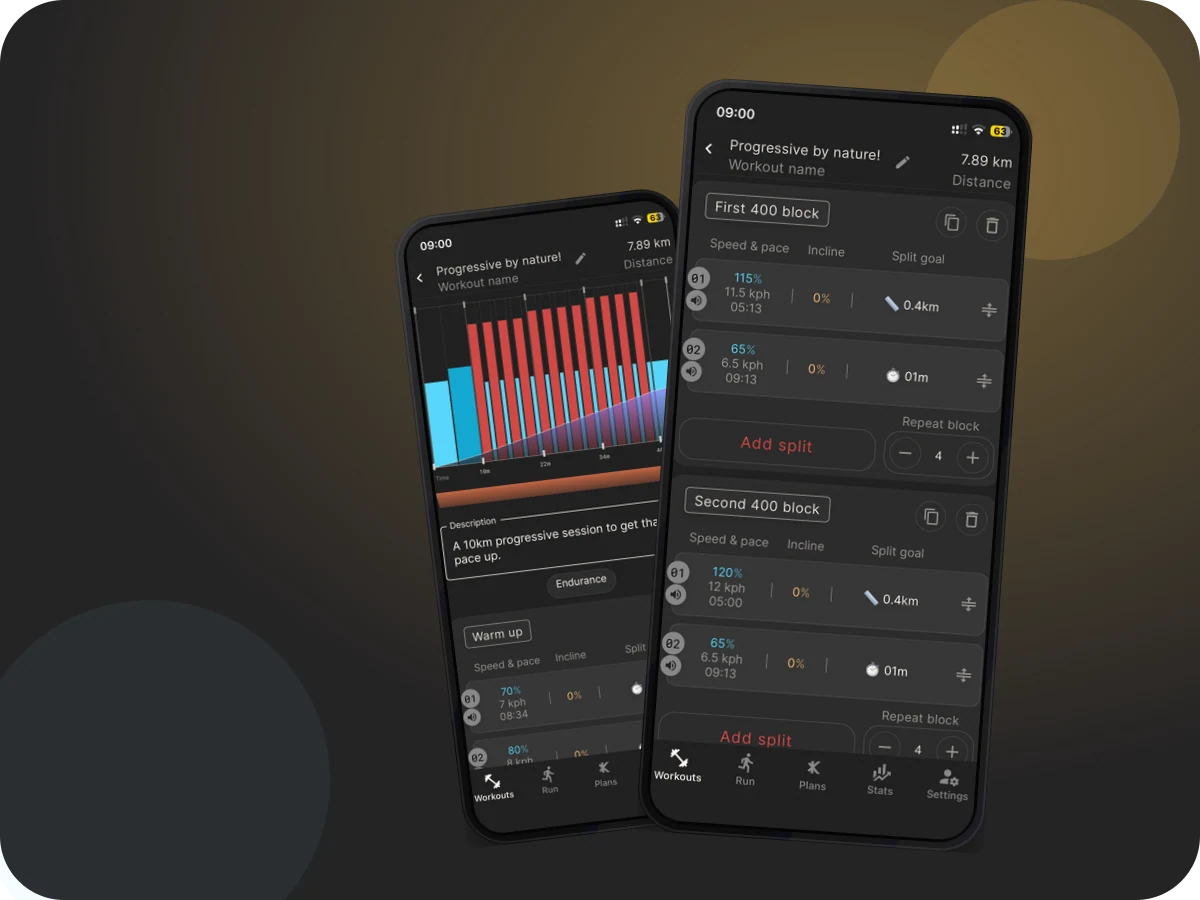
Create structured workouts that match your session plan.

Build fixed or dynamic workouts with blocks, splits, treadmill targets, audio cues, and reusable personal workout details.

  1. 1 Create standard workouts with clear blocks and splits.
  2. 2 Use dynamic speed and incline targets for treadmill sessions.
  3. 3 Edit, delete, run, or publish workouts from My workouts.
Actual Kinni app screenshots showing Kinni workout builder blocks and split steps.

Follow training plans without losing flexibility.

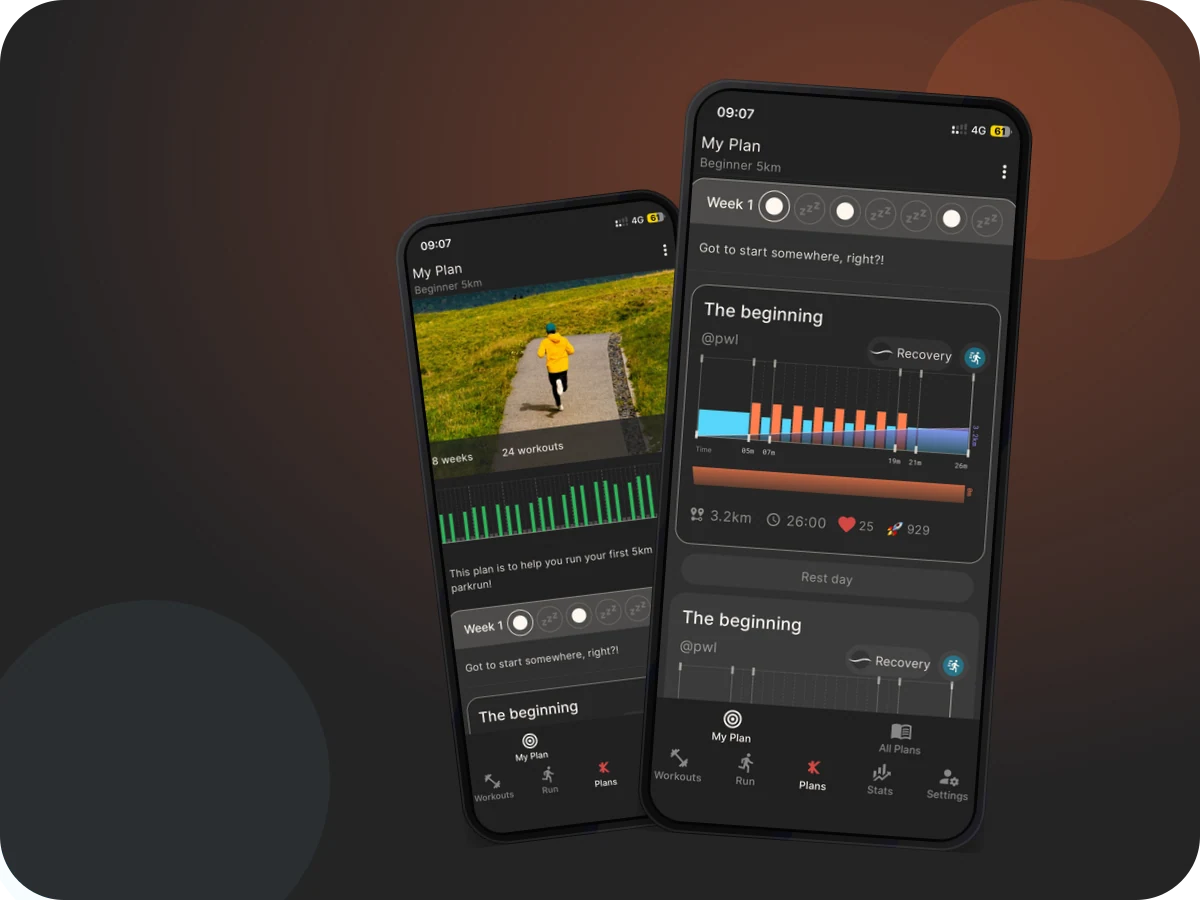
Browse published plans, view what is coming up, continue My Plan, run the next workout, or skip a planned session when life changes.

  1. 1 Browse plans and preview the full schedule before starting.
  2. 2 Keep the next planned workout close to hand.
  3. 3 Skip, complete, end, or review plan history when needed.
Actual Kinni app screenshots showing the Kinni My Plan screen with planned workouts.

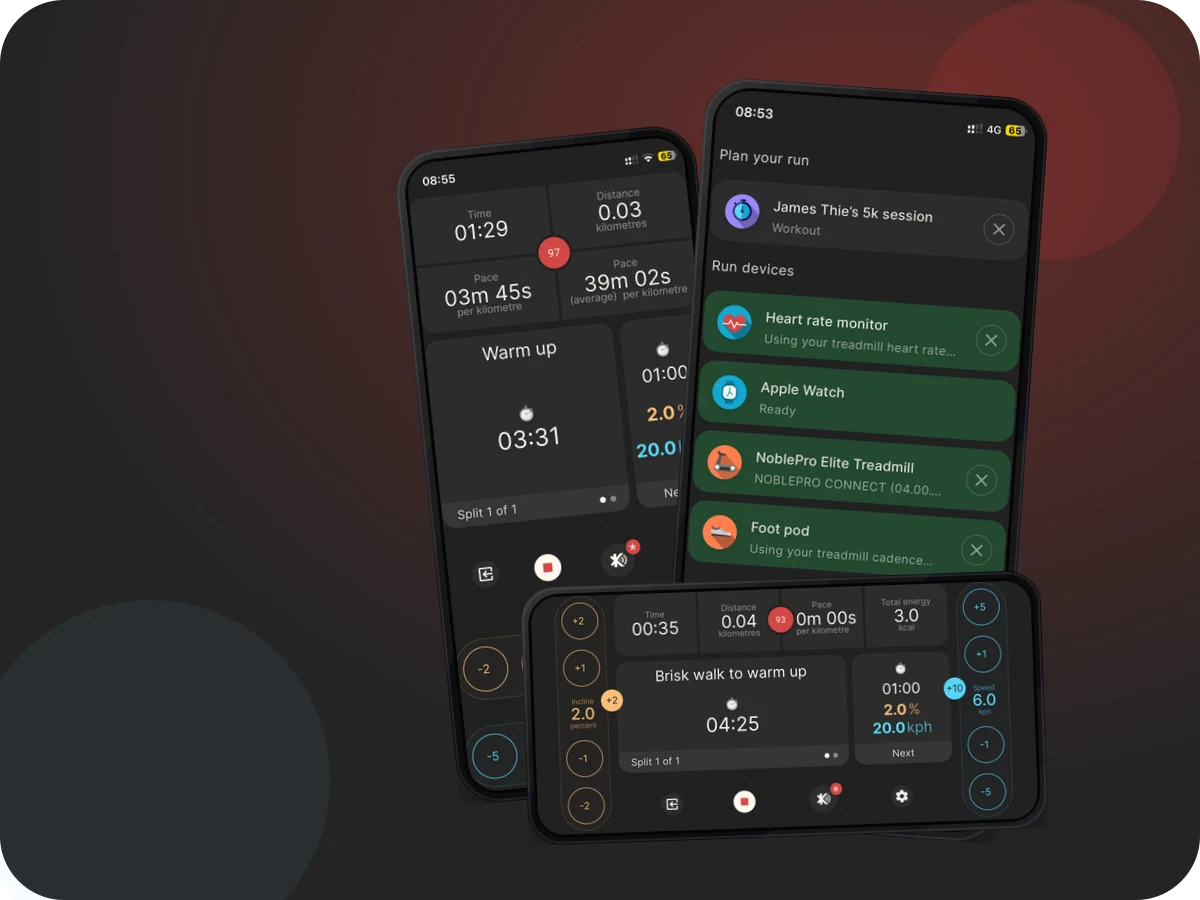
Control compatible treadmills from Kinni.

Connect supported FTMS and FitShow-style treadmills, run structured treadmill sessions, manage reconnects, and use incline tools safely.

  1. 1 Scan for supported Bluetooth treadmill services.
  2. 2 Run workouts with treadmill speed and incline targets.
  3. 3 Use FTMS Checker and incline tools when setup needs diagnosis.
Actual Kinni app screenshots showing Kinni treadmill connection and device controls.

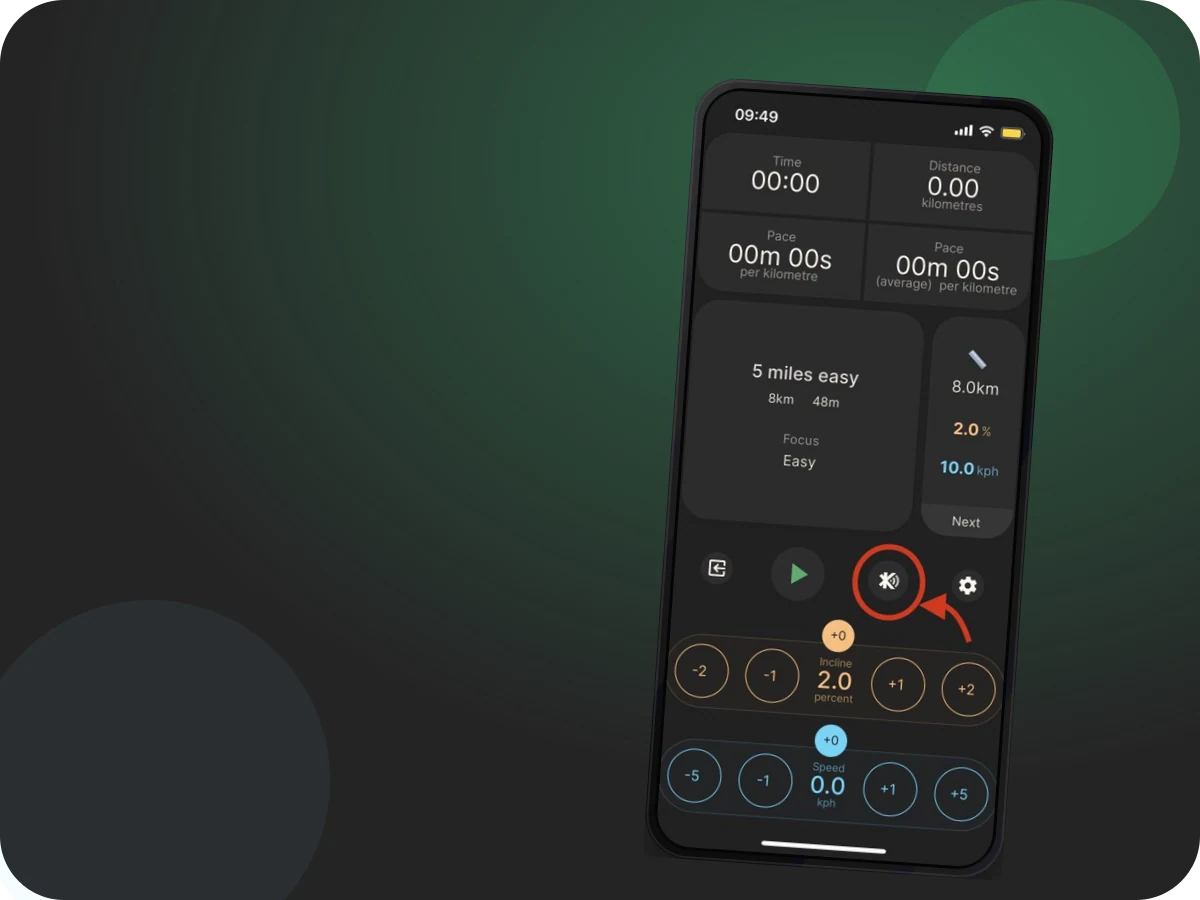
Bridge Kinni workouts into virtual running apps.

Use FitCast to broadcast Kinni run data as treadmill, running speed/cadence, and heart-rate services for apps such as Zwift, Rouvy, BitGym, and Peloton.

  1. 1 Keep Kinni as the workout engine while another app receives live data.
  2. 2 Broadcast treadmill-style, cadence, and heart-rate data where supported.
  3. 3 Use Battery Saver mode when you want FitCast to broadcast differently.
Actual Kinni app screenshot showing Kinni FitCast broadcasting run data to virtual apps.

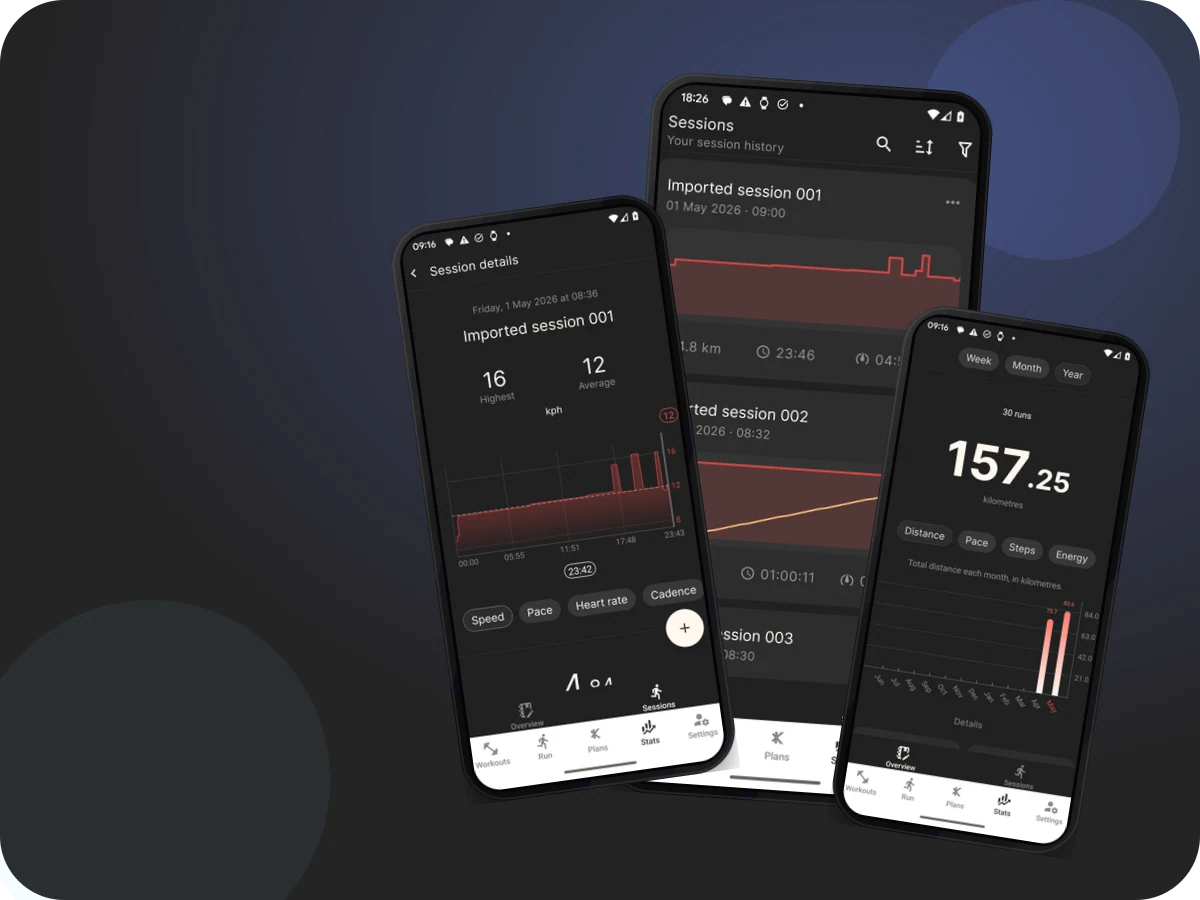
Keep every completed run useful after it ends.

Review session history, charts, splits, data sources, Kinni Cloud status, FIT exports, sharing, and uploads to connected services.

  1. 1 Review charts, totals, splits, and source details after each run.
  2. 2 Export FIT files or upload completed sessions to connected apps.
  3. 3 Use Kinni Cloud and sync tools to keep training data available.
Actual Kinni app screenshots showing Kinni session charts, splits, sync, and export options.

Bring watches, sensors, and health platforms into the run.

Pair live heart-rate sources, use foot pods for running speed and cadence, and connect Apple Health or Health Connect for completed-session data.

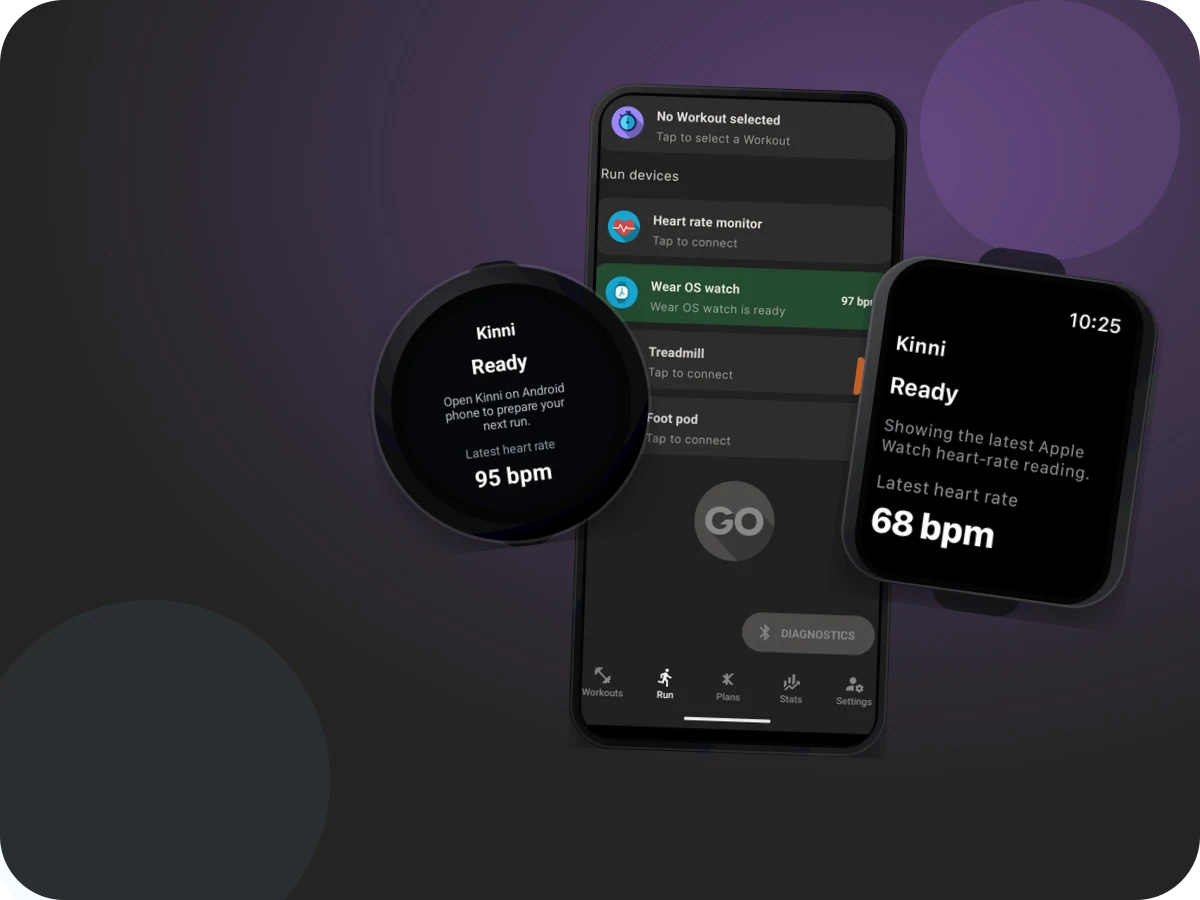
  1. 1 Use Apple Watch or Wear OS as live heart-rate companions.
  2. 2 Pair Bluetooth heart-rate monitors and foot pods from Run devices.
  3. 3 Control what completed data moves through Apple Health or Health Connect.
Actual Kinni app screenshots showing Kinni device cards for watches, heart-rate monitors, and foot pods.

Set goals and understand your training paces.

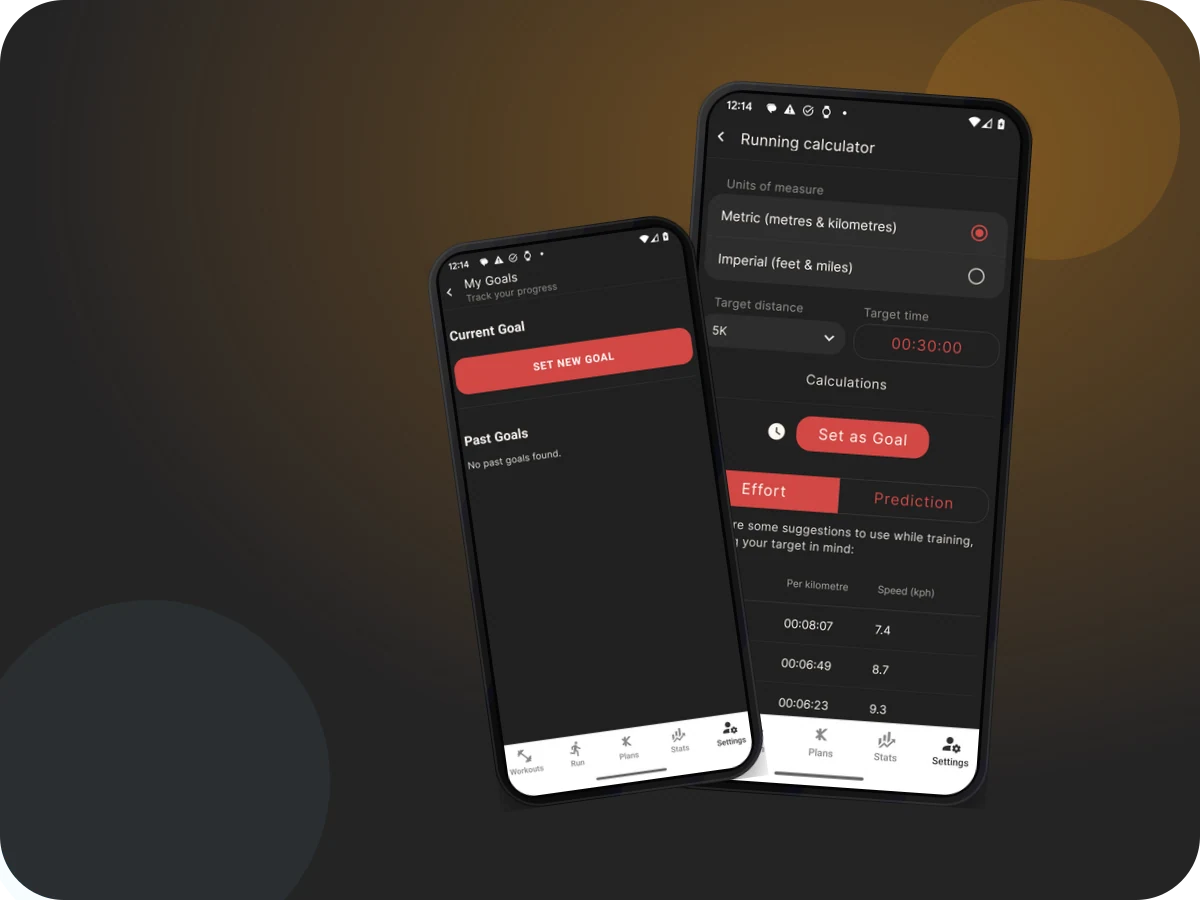
Use My Goals and the running calculator to plan target paces, compare predicted times, and understand goal-aware workout behaviour.

  1. 1 Set a current goal and review past goals in Kinni.
  2. 2 Use the running calculator to estimate times and paces.
  3. 3 Let goals help explain workout focus and recommendations.
Actual Kinni app screenshots showing Kinni goals and running calculator pace cards.

How it works

Start with a plan. Connect what you use. Keep the data.

Kinni is designed to make the path from idea to completed session feel joined up, whether you run on a treadmill, with a watch, or through a virtual app.

1

Choose

Pick a workout, training plan, or goal that matches today’s run.

2

Connect

Pair your treadmill, watch, heart-rate monitor, foot pod, or virtual app.

3

Run

Follow structured guidance with audio prompts and live targets.

4

Sync

Review the session, export it, share it, or upload it to connected services.